 NexGPU-算力租赁,GPU服务器,GPU云算力,AI服务器租用-新闻博客
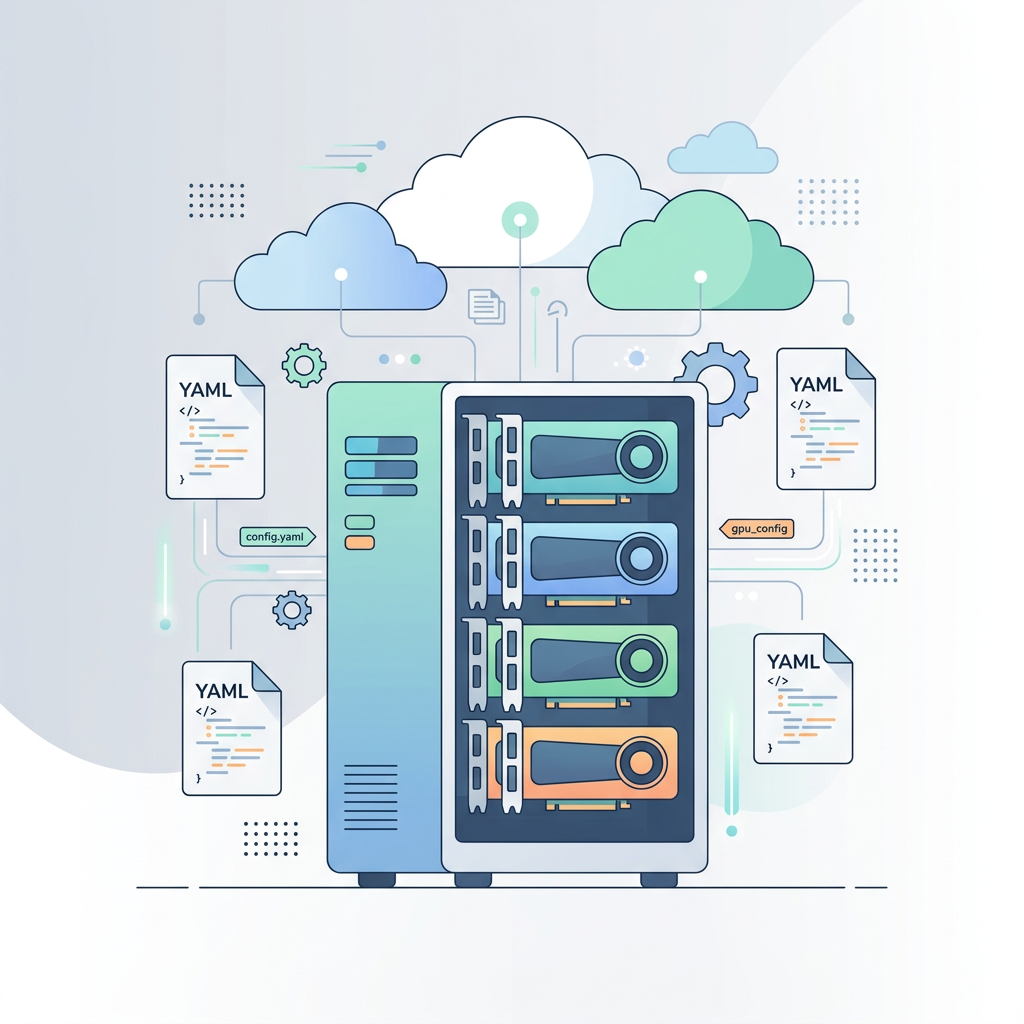
dstack is an open-source GPU orchestration tool that automates instance configuration and lifecycle management, and supports deployment across cloud service providers. This guide will walk you through using dstack with nexgpu as the backend, combining declarative infrastructure with competitive GPU market pricing.
What Makes dstack Unique?
Key features include:
- Infrastructure as Code: Define GPU requirements, price limits, and workloads via YAML files
- Automatic Resource Provisioning: dstack automatically searches and selects the best available instance for provisioning
- Cost Control: Automatically limit hourly costs using the
max_priceparameter - Built-in Proxy: Access services through dstack's authenticated endpoints
Overview of the New Guide
The latest documentation will guide you through deploying language models on nexgpu using dstack and vLLM.
Complete Installation and Configuration Guide
- Install and configure dstack using the nexgpu API key
- Start the dstack server and CLI tools
- Create service configurations applicable to vLLM deployments
Hands-On Service Configuration
- A ready-to-use YAML file for deploying Qwen3-30B-A3B
- Set GPU memory and pricing parameters
- Real deployment output examples
API Integration Examples
- Python code using the OpenAI SDK
- cURL examples for testing
- Implement streaming response solutions
Why Choose dstack + nexgpu?
The combination provides powerful orchestration support for the GPU market:
- Simplified Workflow: No need to manually search for instances or configure environments
- Cost Optimization: dstack finds the lowest-cost instance that meets your requirements
- Flexible Pricing: Enjoy nexgpu's favorable prices with automatic cost caps
- Production-Grade API: vLLM provides OpenAI-compatible endpoints
This guide demonstrates how to deploy the Qwen3-30B-A3B model on an H100 GPU with 80GB of VRAM using a single command.
Who Is This Guide For?
This deployment guide is well-suited for the following use cases:
- Teams: Wanting reproducible, versionable GPU deployments
- Developers: Aiming to simplify infrastructure management and build LLM applications
- Anyone: Looking to eliminate the hassle of manually configuring and managing GPU instances
Quick Start
The complete guide is available in the documentation:
Whether you're new to GPU orchestration or looking for a better way to manage LLM deployments, this guide provides all the necessary steps to get started with dstack on nexgpu.
Ready? Follow the guide to deploy your first model.


Comments(0)