 NexGPU-算力租赁,GPU服务器,GPU云算力,AI服务器租用-新闻博客
Direct Answer: Quantization Doesn't Save the Same Memory, and Benefits Can't Simply Be Added
To accurately calculate the impact of FP8 and INT4 quantization on GPU memory, the first step is to split memory usage into four non-substitutable accounts: the fixed space occupied by weights, the KV Cache that grows linearly with concurrency and context, the intermediate tensors during computation, and the resident overhead of the inference engine and CUDA context. Weight quantization compresses the first account, FP8 KV Cache compresses the second, while intermediate tensors and resident overhead do not significantly decrease with quantization—many people still face OOM after calculations because they only looked at the first two accounts. In August 2026, Cloudflare replaced the KV Cache from BF16 to FP8 e4m3 on large-scale MoE models (Kimi K2.6 and GLM 5.2) in production, directly halving memory usage, increasing the maximum concurrent requests per cluster from 32 to 64, and achieving peak generation throughput of 2,192 tokens/s. This is a result specific to that platform's MoE models and cluster configuration, not a universal multiplier. This real-world measurement just shows: it's worth recalculating the numbers now, especially when your bottleneck is on the concurrency side.
Breaking Down Memory into Four Accounts: Fixed Occupancy, Concurrency Growth, Intermediate Tensors, and Engine Resident
To make decisions about how to choose GPU memory, you need not a single number but a set of accounting principles you can apply yourself.
| Account | Composition | Changes with Quantization | Determines |
|---|---|---|---|
| Fixed Occupancy | Weights, Embeddings, Positional Encodings, and other resident structures | Decreases with INT4/FP8 weights | Whether the model fits and which GPU it lands on |
| Concurrency Growth | KV Cache, proportional to concurrency × context length × layers | Halves with FP8 KV Cache | How many concurrent requests can be handled and how long the context can be |
| Intermediate Tensors | Activations, temporary buffers, allocated based on compute precision | Mostly unchanged | Peak usage during batch and sequence length fluctuations |
| Engine Resident | Inference engine, memory pool reservations, communication buffers | Mostly constant | Safety margin and multi-GPU communication overhead |
Account 1: Weights from FP16 to FP8 to INT4—Saving the Difference Between Fitting and Not Fitting
Weight quantization changes fixed occupancy, directly determining whether the model can fit into smaller GPUs or fewer cards. The conversion is straightforward: FP16 is about 2 bytes per parameter, FP8 about 1 byte, and INT4 about 0.5 bytes—but don't forget two types of extra overhead: quantization scales (e.g., group scales) and layers that preserve precision (e.g., some normalization layers), which eat into theoretical savings. So actual occupancy must be summed layer by layer, not simply calculated as total parameters × 0.5. The memory differences among common INT4 routes (e.g., AWQ, GPTQ) mainly come from group scale size and the number of precision-preserving layers; specific values require self-testing on your model. Notably, the value of weight quantization is mainly about "fitting or not fitting," not "how many concurrent requests can run"—this is why "why is memory still insufficient after weight quantization" is common: your concurrency ceiling is often constrained by the second account.
Account 2: KV Cache from BF16 to FP8 e4m3—Compressing the Multiplicative Factor of Concurrency and Context
KV Cache per token per layer occupancy is proportional to precision; reducing from BF16 (2 bytes) to FP8 e4m3 (1 byte) halves this item overall. It is a multiplicative factor, directly determining two big things: how many concurrent requests can be handled and how long the context can be. Cloudflare's real-world test on production MoE models shows: after quantizing KV Cache from BF16 to FP8 e4m3, memory usage halved, eliminating GPU memory bottlenecks under high concurrency; maximum concurrent requests per cluster increased from 32 to 64, and peak generation throughput reached 2,192 tokens/s, a 41% improvement over before. It must be emphasized that this is a result specific to a particular platform, particular models (MoE architectures like Kimi K2.6 and GLM 5.2), and particular cluster configuration, and cannot be taken directly as expected values for any model and GPU type—but it clearly points in the direction: when concurrency isn't improving, look at the KV Cache account first.
What This Real-World Test Shows: Concurrency Ceiling Bottleneck Often Sits on the KV Cache Side
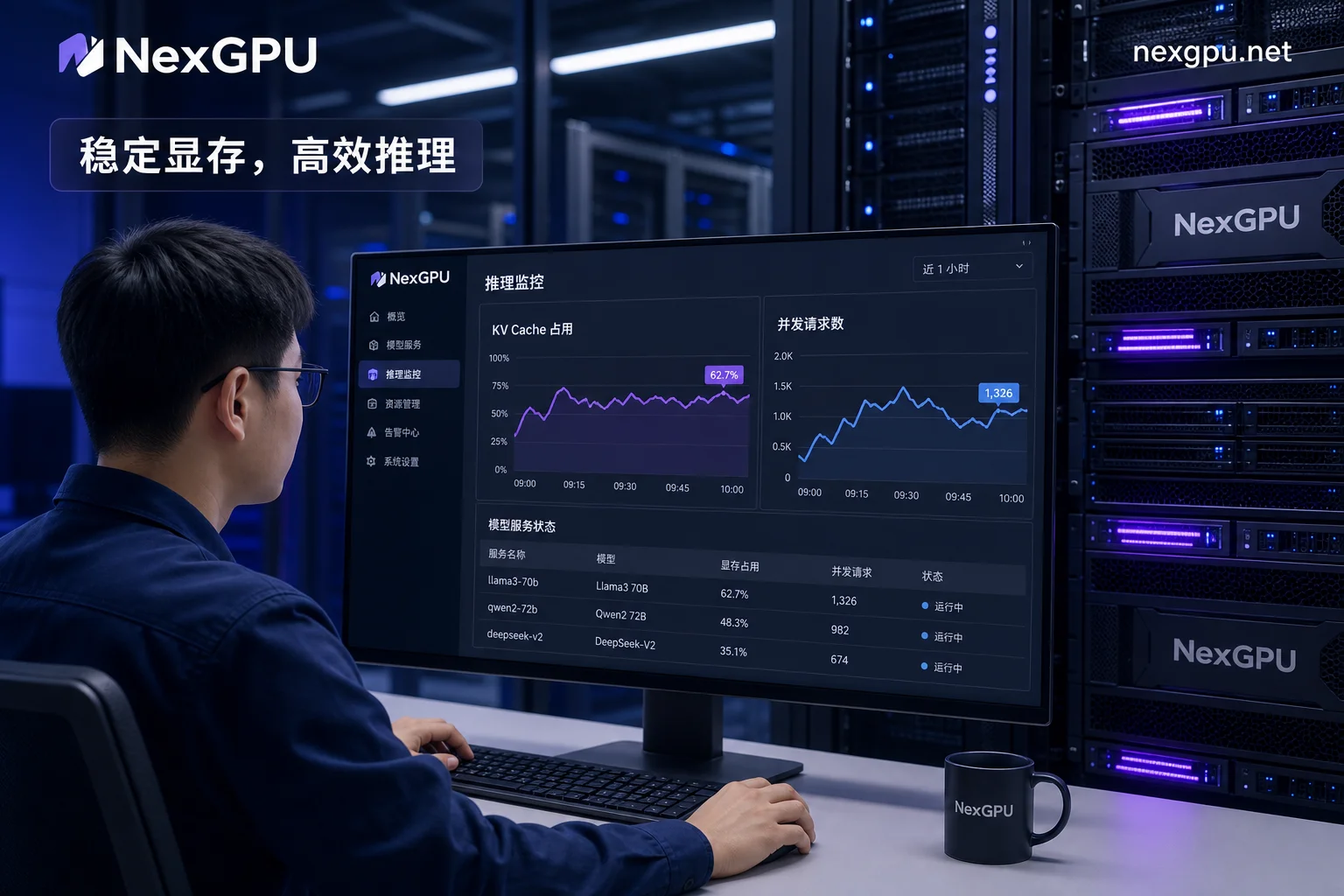
Back to the account of FP8 and INT4 quantization on GPU memory: when weights already fit but concurrency isn't improving, further compressing weights has limited benefit; instead, check the KV Cache first. Self-check is simple: fix the context length, gradually increase concurrent requests, and observe the memory growth slope. If the slope approaches the per-request KV Cache occupancy increment, the bottleneck is on that side; if OOM occurs before reaching expected concurrency, go back and check for hidden overheads from intermediate tensors or engine resident. The boundaries of this real-world test are also clear: the doubling of concurrency and 41% throughput improvement depend on model structure (MoE sparsity), context length distribution, and scheduling strategy; copying it to dense models or different GPUs may yield much different results. To quickly verify, use NexGPU's on-demand GPU resources for a before-and-after comparison, first validating accuracy and throughput on smaller memory GPUs, then deciding on the production tier. For a full multi-GPU quantization deployment guide, refer to the Qwen2.5-72B multi-GPU quantization deployment tutorial.
Accounts 3 and 4: Why Intermediate Tensors and Engine Resident Don't Scale Down with Quantization
Activations and temporary buffers during computation are typically allocated based on compute precision, and attention and normalization stages often retain higher precision, so they don't shrink proportionally with weight bit-width. The inference engine itself, memory pool reservations, and communication buffers are also essentially constant. This means the memory saved by quantization can't all be used to add concurrency—you must reserve this safety margin; otherwise, at traffic peaks, larger batch sizes, or longer contexts, you risk triggering GPU Out of Memory (OOM).
Prerequisite: Does Your GPU Natively Support FP8?
FP8 benefits come in two layers: memory halving and compute acceleration. To gain both, the hardware must natively support FP8. Take the L40S for example: it has 48GB GDDR6 memory, 864 GB/s bandwidth, and 4th-gen Tensor Cores (with native FP8, compute at 733 TFLOPS). If you just want to verify whether the FP8 path works, you can use on-demand L40S rental for a comparative test. Here's a comparison between L40S and A100 80GB:
| Comparison Item | L40S | A100 80GB |
|---|---|---|
| Memory capacity and type | 48GB GDDR6 | Verify per architecture generation |
| Memory bandwidth | 864 GB/s | 2,039 GB/s |
| Tensor Core generation and native FP8 | 4th gen, native FP8 | Verify per architecture generation |
| Inter-GPU interconnect | No NVLink | Supports NVLink |
| More suitable for | Batch 8+ medium-to-low context batched inference, lower per-token cost | 32K+ ultra-long context and multi-GPU full-parameter training |
With 2,039 GB/s bandwidth and NVLink, the A100 80GB still has an edge in 32K+ ultra-long context and multi-GPU full-parameter training; whether it has native FP8 must be confirmed via the two-step check at the end of this section based on architecture generation. Consumer-grade GPUs vary widely in FP8 support; don't assume based on model tier. Verify with two steps: Check the card's architecture generation and whether Tensor Cores list FP8 data types; then check your inference framework's precision support matrix for whether it enables FP8 KV Cache for that architecture.
Where to Allocate the Freed-Up Margin: Concurrency, Context Length, or Safety Margin
The allocation of saved memory depends on your business shape. Here's an executable order:
- Set the context length ceiling (e.g., maximum input + output promised by the service).
- Calculate per-request KV Cache occupancy (estimated with FP8 precision).
- Back-calculate the concurrency ceiling based on total KV Cache size.
- Finally, reserve a safety margin to cover intermediate tensor peaks and engine resident; set the specific ratio based on the difference between peak and steady-state memory from your stress tests, starting with an experience-based initial value and refining with load testing.
For services dominated by short requests and high concurrency, prioritize converting the margin into concurrency; for long documents or multi-turn sessions, prioritize longer context; for high traffic fluctuation or high prefix reuse, reserve ample peak margin. You can run a before-and-after quantization comparison on NexGPU with a smaller memory GPU, validate accuracy and concurrency gains, then decide on the production GPU tier.
How to Verify Accuracy Loss Yourself: Weight Quantization and KV Quantization Require Different Validation Methods
Weight quantization affects the model's own expressiveness, so use a fixed task set for before-and-after comparison, observing stable metrics like accuracy or output quality. KV Cache quantization differs: its error accumulates with generation length and context, so you must use long-context, multi-turn long-generation samples, observing whether the later output shows drift, repetition, or quality degradation. The key is to run comparisons on your own business samples, not to trust others' reported degradation numbers (especially in long-generation scenarios).
Common Misjudgments and Pre-Launch Self-Check List
- Mistaking memory saved by weight quantization for concurrency margin—actual concurrency bottlenecks often lie in KV Cache.
- Ignoring intermediate tensor and engine resident overhead, causing OOM at traffic peaks.
- Enabling FP8 KV Cache without confirming native FP8 hardware support, resulting in memory savings but no compute acceleration.
- Taking others' concurrency improvements directly as your expectation, ignoring model structure and scheduling differences.
- Ignoring cumulative KV quantization errors in long-generation scenarios, only discovering output quality degradation after launch.
Before launch, break down the impact of FP8 and INT4 quantization on GPU memory into four accounts and check each one, then proceed with deployment.
FAQ
How much can concurrency improve after quantization?
Concurrency improvement depends on which side the bottleneck is on. If the bottleneck is KV Cache, FP8 quantization can halve memory, potentially doubling concurrency (in the real-world test, from 32 to 64); if the bottleneck is weights not fitting, weight quantization only lets you switch to a smaller model, with limited concurrency gains. It's recommended to split into four accounts and test in your own scenario.
How much memory can FP8 KV Cache save?
KV Cache from BF16 (2 bytes) to FP8 (1 byte) can halve this memory usage. The exact GB savings depend on concurrency, context length, and model layers. For example, under fixed context, KV Cache usage = concurrency × per-request KV Cache size, where per-request size halves with precision.
Which has less accuracy loss: FP8 or INT4?
Generally, FP8 has less accuracy loss than INT4 because FP8 maintains 8-bit representation with better dynamic range. However, actual loss depends on the model and quantization method: weight quantization can use INT4 with AWQ/GPTQ to maintain good results, while KV Cache quantization typically uses FP8 to control error accumulation. They cannot be directly compared; you need to test on your task.
Does KV Cache quantization affect output quality?
Yes, but the impact varies by scenario. KV quantization errors accumulate with generation length, becoming more apparent in long-context or multi-turn sessions. Short requests have less impact. It's recommended to test with your long-generation business samples, observing output stability in the later parts, not just first-token quality.
How to confirm native FP8 support?
Verify with two steps: ①Check the target GPU's architecture generation and Tensor Core data type list (per NVIDIA official specs); ②Check your inference framework's quantization/precision support matrix for FP8 KV Cache on that architecture; ③Run a minimal example on the target GPU to confirm the framework doesn't fall back to simulation. Note that memory halving and compute acceleration are two separate benefits; framework compatibility doesn't guarantee compute acceleration.



Comments(0)