 NexGPU-算力租赁,GPU服务器,GPU云算力,AI服务器租用-新闻博客
With the rapid iteration of AI video generation technology in 2026—from long video generation to high-fidelity motion control—compute has become the lifeline for creators. Have you ever been deterred by VRAM requirements when trying to run the latest video diffusion model?
Traditional hardware procurement not only ties up capital but also struggles to adapt to the fluctuating configuration demands brought by model iterations. At NexGPU, we've observed that more and more creators and developers are no longer fixated on "buying cards" but are turning to a more flexible "elastic compute" model.
Why Does AI Video Generation Need Elastic Compute More?
AI video generation models have enormous VRAM throughput. Whether it's a ComfyUI-based node workflow or LoRA fine-tuning for specific video styles, they impose strict demands on VRAM capacity and bandwidth. For most independent creators, daily development may only require mid-range cards, but once they enter high-precision rendering or large-scale fine-tuning, expensive industrial-grade cards are often needed.
NexGPU offers a smarter solution:
- True on-demand rental, no waste: You don't pay for idle time. In our GPU marketplace, each machine is billed precisely by the hour/second. Whether you want to temporarily test the latest video generation model or perform long-term high-load rendering, you can find matching compute specifications.
- No tedious configuration, ready to use out of the box: Video generation workflows are complex, and environment setup is often the first hurdle. NexGPU provides images with pre-installed ComfyUI, AUTOMATIC1111 and other mainstream frameworks. You simply choose a template like ordering takeout, and we handle all driver, CUDA, and dependency configurations.
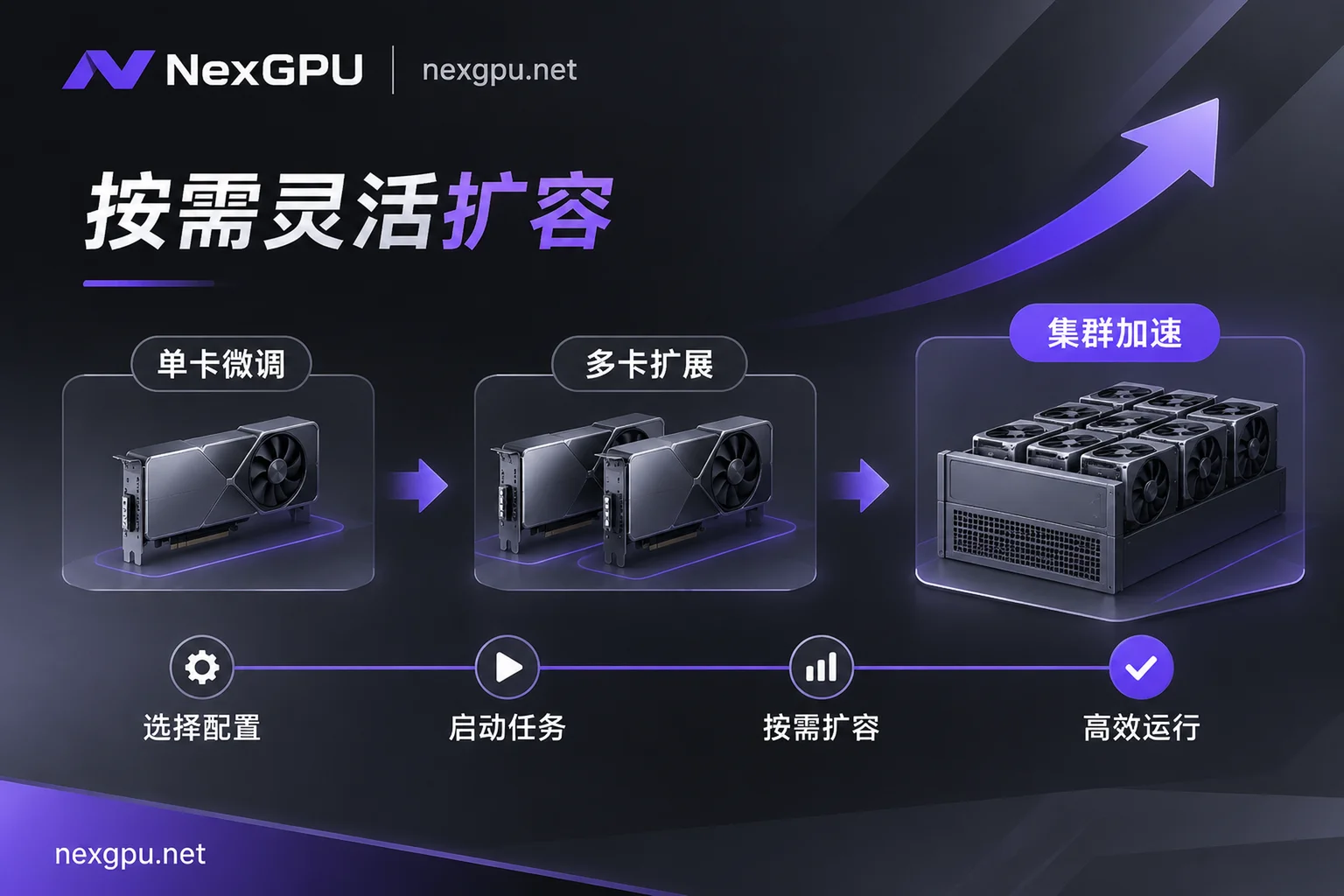
- Smooth transition from experiment to cluster: Whether you're a beginner trying single-card fine-tuning or a research team doing distributed training, NexGPU supports flexible switching from consumer-grade RTX 4090/5090 to data-center-grade H200/B200.
How to Achieve Efficient Creation on NexGPU?
We don't just provide compute; we offer a full suite of implementation solutions. On our scenario best practices page, you can learn the "best practices" for different tasks in detail:
- Clarify VRAM requirements: Don't blindly choose a card. Refer to our model-to-GPU guide to clearly see the VRAM requirements of various video diffusion models under different quantization standards.
- Flexibly manage instances: Fully control your machine via web terminal or direct SSH. If a task is paused, stop the instance while retaining the disk—data is never lost, greatly saving storage costs.
- Transparent billing system: We use fine-grained billing management, with compute, storage, and traffic listed separately, eliminating hidden charges.
Start Your AI Creation Journey Now
AI video creation should not be constrained by hardware barriers. At NexGPU, we have prepared a full set of compute infrastructure from beginner to advanced. No real-name verification required—register to view real-time pricing and enter the era of elastic compute.
Want to learn more configuration tips? Check out our quick start documentation, or get more practical cases on our official blog.



